Why do internal links matter?
An internal link goes from one page of your site to another. Google uses links to find new pages to crawl and to work out how your pages relate.
- Google reads a pageYour home page, for example
- It finds a linkTo a page it hasn't seen yet
- It follows the linkAnd reads that page too
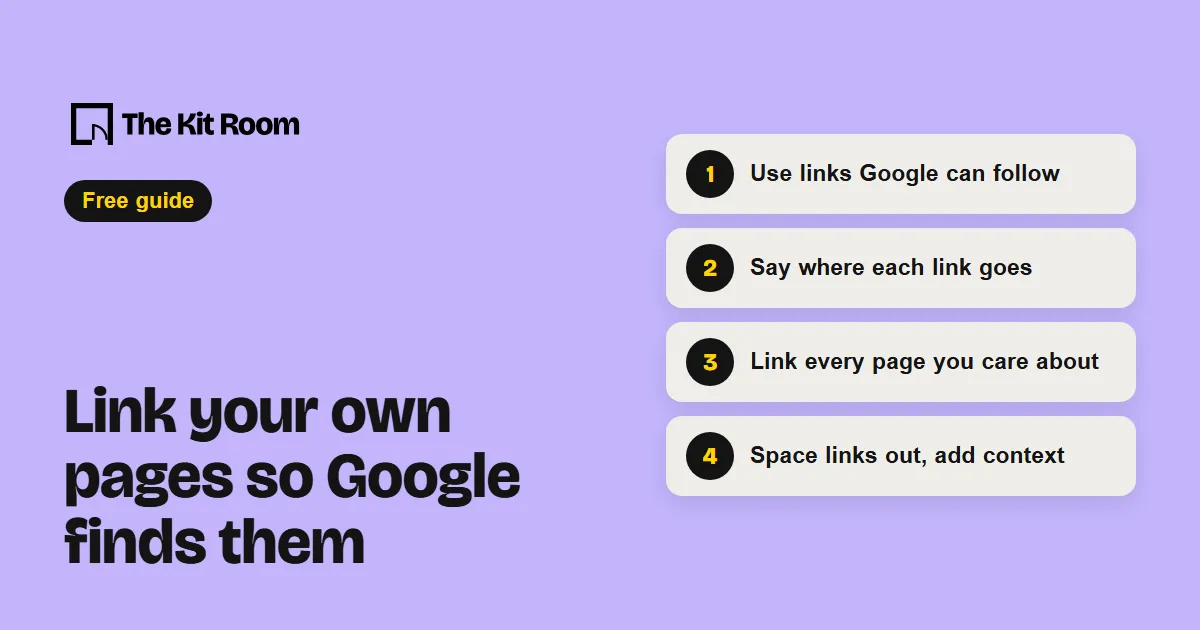
Step 1: Use links Google can follow
Google can reliably follow a link only when it's an <a> tag with an href that holds a real web address. Links built from a <span>, or that only work through a script (onclick, javascript:), often can't be read.
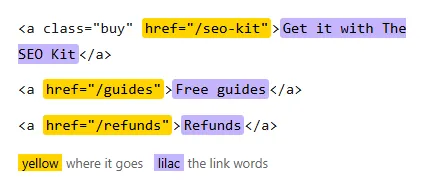
<a> tag with an href, the kind Google follows.A quick check: right-click a link on your site. If your browser offers "Copy link address", it's a real link.
Step 2: Say where each link goes
The clickable words of a link are its anchor text. Google reads them to learn what the linked page is about, and readers use them to decide whether to click.
- Too general:
Click hereto read our guide. - Better: read our
free SEO audit guide.
Google's test: read only the link words, without the sentence around them. If they don't say what the page is, rewrite them. Keep them short and natural. Stuffing keywords into links breaks Google's spam rules.
Step 3: Link every page you care about
Google's advice: every page you care about should have a link from at least one other page on your site. Think about what else on your site helps someone reading this page, and link to it inside the sentence where it fits.
To find pages with no links, open your sitemap at yoursite.com/sitemap.xml. For each page that matters, check that your menu, your footer or a related page links to it.
There's no set number of links per page. If it feels like too many, it probably is.
Step 4: Space links out and add context
The words around a link count too. Don't put several links side by side: readers can't tell them apart, and each one loses the sentence that explains it.
Linking to other sites is fine, for example to cite a source. Mark a link nofollow only when you don't trust the site, sponsored when it's paid, and ugc when your users posted it. Google explains each one in its guide to qualifying links.