What is an MCP server?
MCP (Model Context Protocol) is an open standard for connecting AI tools to other apps. The app's side is the MCP server. Claude Code connects to it and can then use that app for you, instead of working from what you paste into the chat.
- You ask Claude CodeIn plain words, in your project
- It calls the MCP serverThe app's side of the connection
- The app does the workAnd the result comes back to you
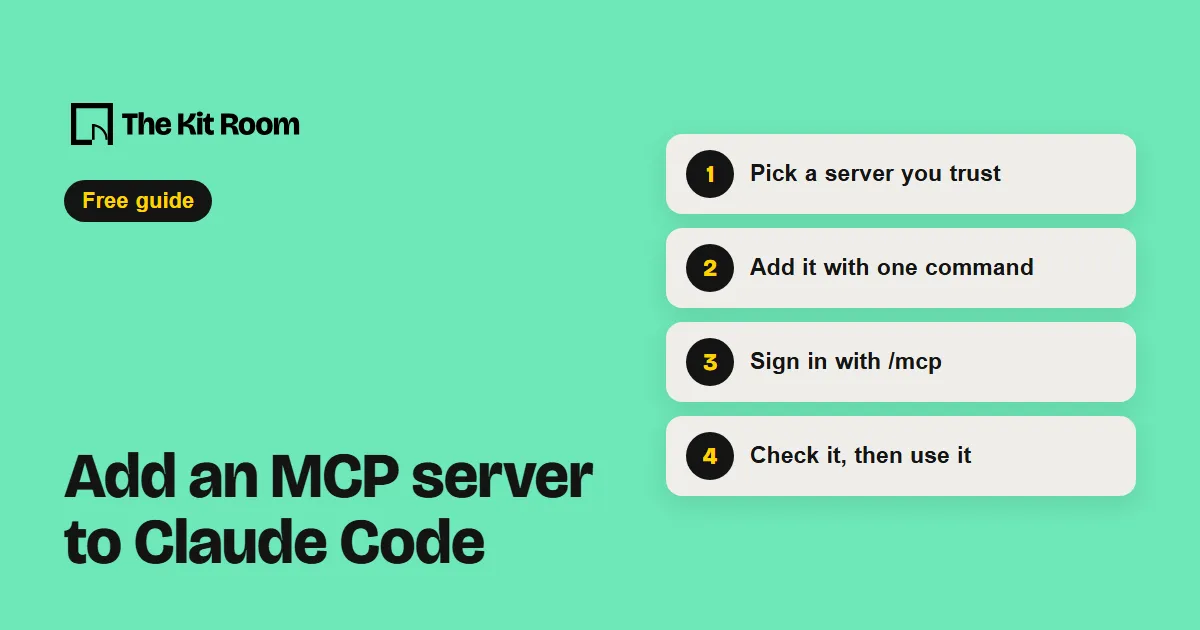
Step 1: Pick a server you trust
Many apps run their own MCP server. Anthropic lists reviewed ones in its directory, and any remote server listed there can be added to Claude Code.
Step 2: Add it with one command
Open a terminal in your project folder and run the add command with a name and the server's address. This is the example from Claude Code's docs, for Notion:
claude mcp add --transport http notion https://mcp.notion.com/mcpBy default the server loads only in this project, and only for you. Add --scope user to use it in all your projects, or --scope project to share it with your team through a .mcp.json file in the project.
Step 3: Sign in with /mcp
Most app servers need you to sign in. Start Claude Code, type this, pick the server and follow the steps in your browser:
/mcpClaude Code stores the sign-in and refreshes it for you. The same menu has "Clear authentication" to remove its access later.
Step 4: Check it, then use it
See every server you've added, and check one in detail:
claude mcp listclaude mcp get notionThen ask Claude Code in plain words, for example "Summarize my notes from last week's meeting in Notion." To remove a server, run claude mcp remove notion.