What is Skills for Designers and Engineers?
Skills for Designers and Engineers is a free, open-source pack of 17 skills for Claude Code and Codex. Most of them are about animation, and a few cover design and mobile details.
The skills tell your AI to keep interface animations under 300ms, to never use ease-in on them, and to skip animation on actions people repeat all day, like keyboard shortcuts. There's also a skill that hunts for spots where motion would help, and one that strips out the motion that makes a site feel slow.
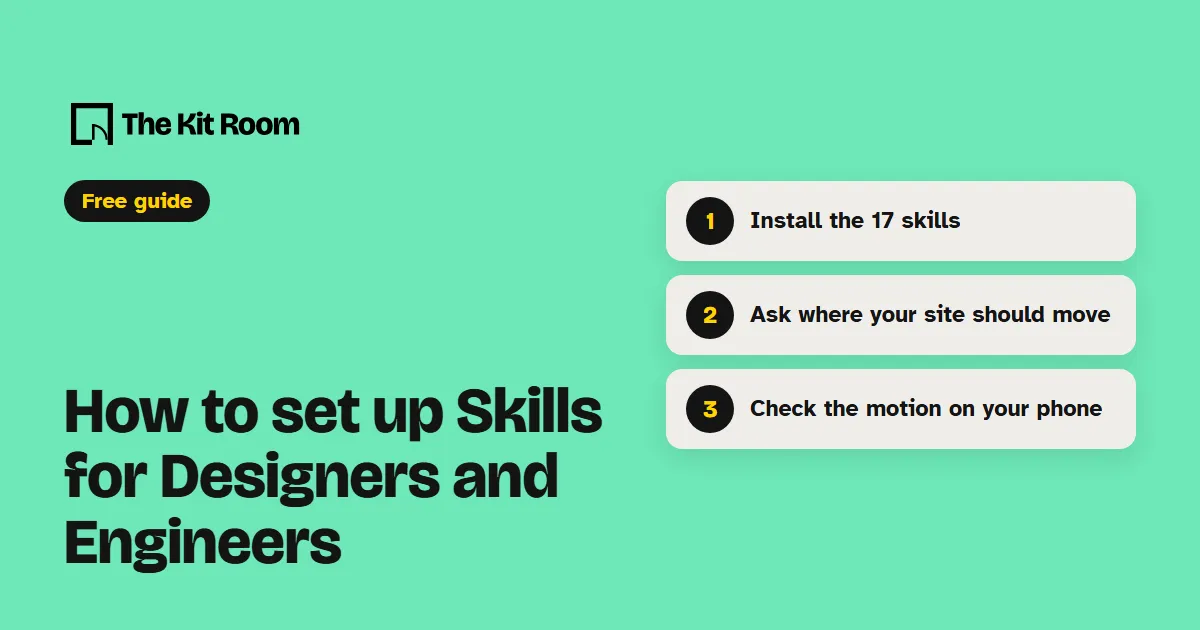
Step 1: Install it
You need Node.js on your computer. Inside your project folder, run:
npx skills@latest add emilkowalski/skills --agent claude-code -yThis adds all 17 skills to .claude/skills in that project. Your AI can use them whenever you ask it about animation or design.
Step 2: Ask your AI to check the motion on your site
Open your project in Claude Code or Codex and paste one of these, with your own pages in it:
Use the find-animation-opportunities skill to read my site and tell me where motion would help and where it should stay still.Use the review-animations skill to check every animation on my home page and list what to fix first.Use the break-ui skill on my pricing table. Fill it with worst-case data and show me everything that breaks.What should you watch out for?
The skills work on sites your AI builds and edits in code. If your site lives in a drag-and-drop site builder, your AI can't apply them there.
Some skills only plan. The opportunity finder and the animation audit read your code and suggest changes without touching it, so ask your AI to build the ones you like. The review skill is strict on purpose and flags a problem whenever it's in doubt. Two skills, prototype and pick-ui-library, only run when you call them by name.
The pack also holds skills for React Native and Swift. They sit unused if your project doesn't need them.