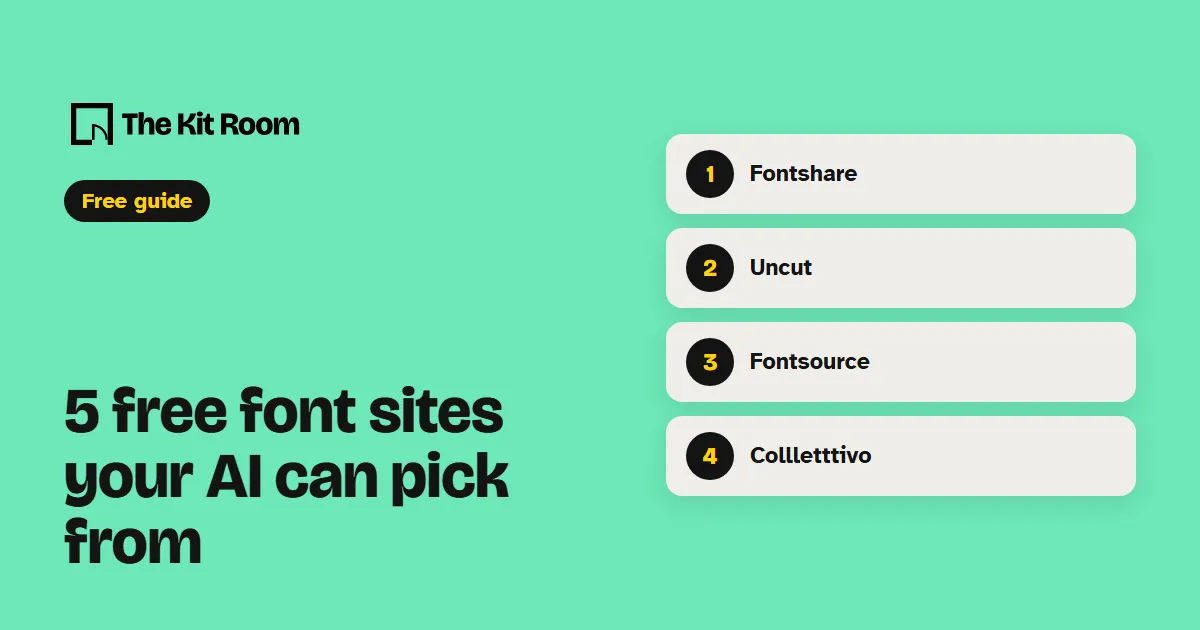
How do you give your AI a font?
Pick the font yourself, then tell your AI its name, where it goes (headings or body text) and where it comes from. Ask it to host the font files on your own site and to check the license allows web use before it adds anything.
Use [font name] from [site] for my headings. Host the font files on my own site, check the license allows web use, and show me the homepage on a phone when it's done.Step 1: Fontshare
Fontshare has 100 font families, all free for personal and commercial use. If you can't choose, open its pairs page: 59 heading and body pairs already matched for you.
Use Clash Display from Fontshare for my headings and Satoshi for body text. Download both, host them on my site, and check the Fontshare license allows it.Step 2: Uncut
Uncut is a catalogue of 163 contemporary typefaces, free for commercial use. Each typeface page links to where its maker shares it, so the files and the license come from the maker.
I picked [font name] from uncut.wtf. Follow its link to the maker's page, read the license there, and only add the font to my site if it allows web use.Step 3: Fontsource
Fontsource has 2,103 open-source font families, each packed as an npm package, so your AI installs a font with one command and the font loads from your own site. It works on sites built with a bundler such as Vite or Webpack.
npm install @fontsource-variable/frauncesInstall Fraunces from Fontsource, import it in my main layout, and use it for every heading on the site.Step 4: Collletttivo
Collletttivo is a type collective whose fonts are all free under the open font license, commercial work included. Its license asks you to credit the designer and the collective when you publish work that uses them.
Use Ronzino from Collletttivo for my body text, host it on my site, and add a credit line for the font and its designer to my site's footer.Step 5: Fonts In Use
Fonts In Use is an archive of real designs, indexed by typeface. Find a poster, a book or a website with the look you want and see which fonts made it. Many of those fonts are paid, so use it to find the look, then ask your AI for a free match from the four sites above.
I like the fonts on this design: [Fonts In Use link]. Find me a free font from Fontshare, Fontsource or Collletttivo that gives my site a similar feel, and tell me why you picked it.What should you watch out for?
Licenses differ from site to site and, on Uncut, from font to font. Fontshare's license lets you host its fonts on your own websites but not offer them to other people through a site builder, an app or a template. Check before your AI adds anything.
Two fonts per site is plenty: one for headings, one for body text. More than that and the pages start to look like they came from different places.
Look at the result on your phone. A font that looks great on a big heading can be hard to read in a long paragraph.