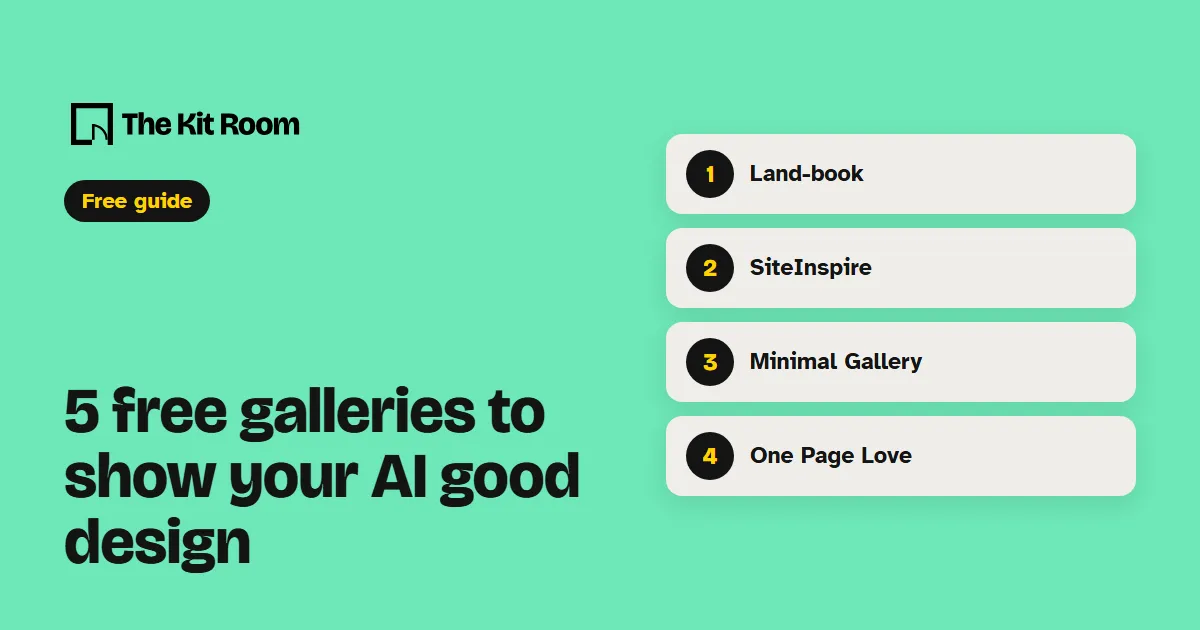
How do you hand a page to your AI?
Find a page you like in one of the galleries below and take a screenshot of the part you want, like the hero or the pricing block. Paste the screenshot into Claude Code or Codex, add the site's link, and ask for the layout in your own brand. A link alone gives your AI the page's text; the screenshot shows it the look.
Here is a screenshot of a homepage I like, from [link]. Rebuild my homepage with the same layout, spacing and type sizes. Keep my own words, colors, logo and images, and don't copy any of their text or pictures. Check it on a phone when you're done.Step 1: Land-book
Land-book is a hand-picked gallery of real sites, updated daily. Pick a page type, like landing page, portfolio, blog or shop, and you see only that kind. It also has a Sections tab for single parts of a page.
Use the layout of this landing page for my product page. Same order of sections, same spacing, my own words and brand.Step 2: SiteInspire
SiteInspire lets you browse by style as well as by subject. Pick a category like Typographic, Minimal or Grid Layout and you see real sites built that way.
I like the typography on this site. Use the same mix of heading and body sizes on my site, with my own fonts.Step 3: Minimal Gallery
Minimal Gallery hand-picks simple, clean sites and sorts them by type, from portfolios and startups to SaaS and shops. Open it when your pages feel crowded.
My homepage feels crowded. Use this page as the reference: fewer elements, more white space, one clear button. Keep my content.Step 4: One Page Love
One Page Love has more than 9,000 one-page sites, hand-picked since 2008, plus more than 9,000 examples of single sections. Use the sections when you only need one part, like a footer or a pricing block.
Here is a pricing section I like. Rebuild my pricing section with the same layout, using my own plans and prices.Step 5: Lapa Ninja
Lapa Ninja has more than 7,300 landing pages collected since 2015, with full-page screenshots. A full-page screenshot shows your AI the whole page from top to bottom, in order.
This is a full-page screenshot of a landing page I like. List its sections in order, then build my landing page with the same structure and my own content.What should you watch out for?
Take only the layout from these sites. The words, photos, logos and illustrations on these sites belong to the people who made them, so ask your AI to keep only the structure and use your own material.
Pick one reference per page. Two references for the same page give your AI two styles to merge, and the result looks like neither.
Some tiles in these galleries are ads for paid tools. Skip them when you're picking a reference.