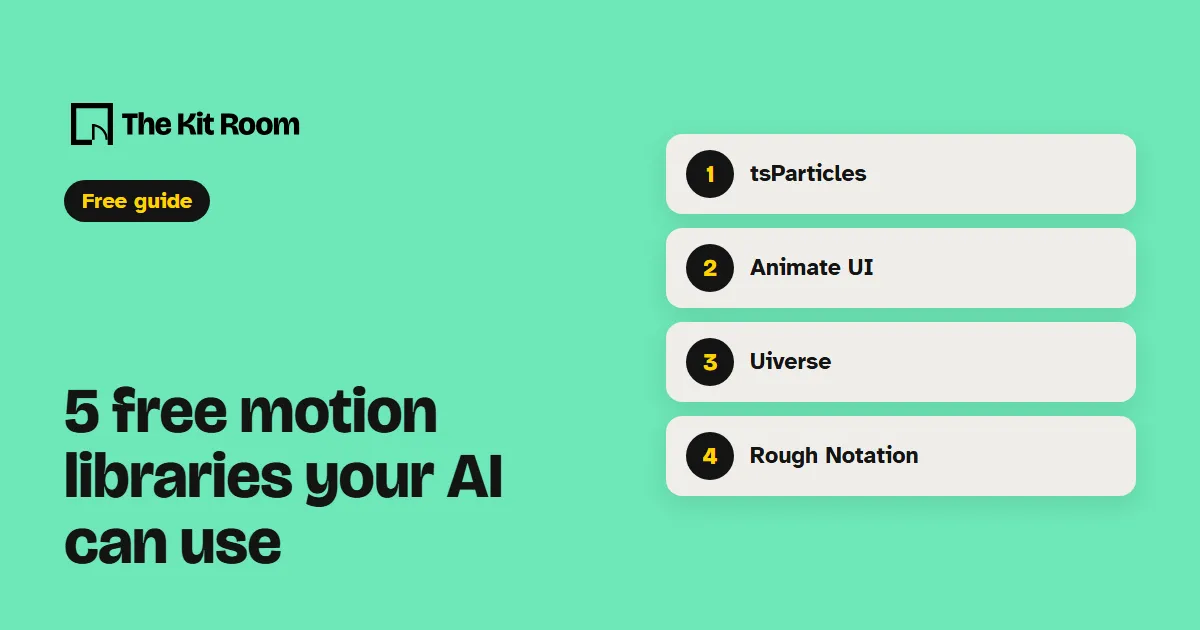
How do you ask for motion?
Name the library, the part of the page and the moment it should move. "Make it pop" leaves your AI guessing. "Use tsParticles to fire confetti once when someone sends my contact form" gives it everything it needs.
Each part below has the install line your AI runs in your project folder and one request you can paste as it is or change to fit your site.
Step 1: tsParticles
tsParticles makes confetti, fireworks and moving particle backgrounds. It's MIT licensed and works on plain sites and with most frameworks.
npm install @tsparticles/confettiUse tsParticles confetti to fire one short burst when someone sends my contact form. Only once per visit.Step 2: Animate UI
Animate UI has animated backgrounds and buttons for React sites, like fireworks or soft moving bubbles behind your hero. It's free to use on your site; its license only stops you selling the components themselves.
npx shadcn@latest add @animate-ui/backgrounds-fireworksAdd the Animate UI fireworks background behind my homepage hero and keep the headline easy to read on top of it.Step 3: Uiverse
Uiverse has over 3,000 community-made buttons, loaders, toggles and hover effects in plain CSS or Tailwind, all MIT licensed. There's nothing to install: open an element you like, copy its code and hand it to your AI.
Here is the code of a loader from Uiverse. Use it on my contact form button while the form sends, in my site's colors.Step 4: Rough Notation
Rough Notation draws hand-drawn underlines, circles, boxes and highlights on your text and animates them in. It's tiny and MIT licensed.
npm install --save rough-notationUse Rough Notation to highlight the key phrase in my homepage headline in yellow when it scrolls into view.Step 5: AutoAnimate
AutoAnimate makes items slide into place when they are added, removed or moved, with one line of code. It works with React, Vue and plain JavaScript, and it's MIT licensed.
npm install @formkit/auto-animateUse AutoAnimate on my FAQ list so answers slide open and closed smoothly.What should you watch out for?
Animate UI is built for React sites styled with Tailwind CSS. The other four work on most sites your AI builds in code. If your site lives in a drag-and-drop site builder, your AI can't add these there.
Add one effect at a time and look at the page on your phone before you add the next. Too much motion makes a page slower and harder to read.
Ask your AI to respect the "reduce motion" setting, so visitors who turn motion off on their phone or computer get a still page.