What is Claude HUD?
Claude HUD is a free, open-source plugin for Claude Code. It replaces your status line with two lines: your model, project and git branch on top, and a context bar with your usage limits and reset time below.
The context bar turns from green to yellow to red as it fills. You can add more lines, like the tools Claude is running, the agents it started and how far along your todo list is.
Step 1: Install it
You need Node.js 22.18 or later. Check your version in a terminal:
node --versionThen, inside Claude Code, run these one at a time:
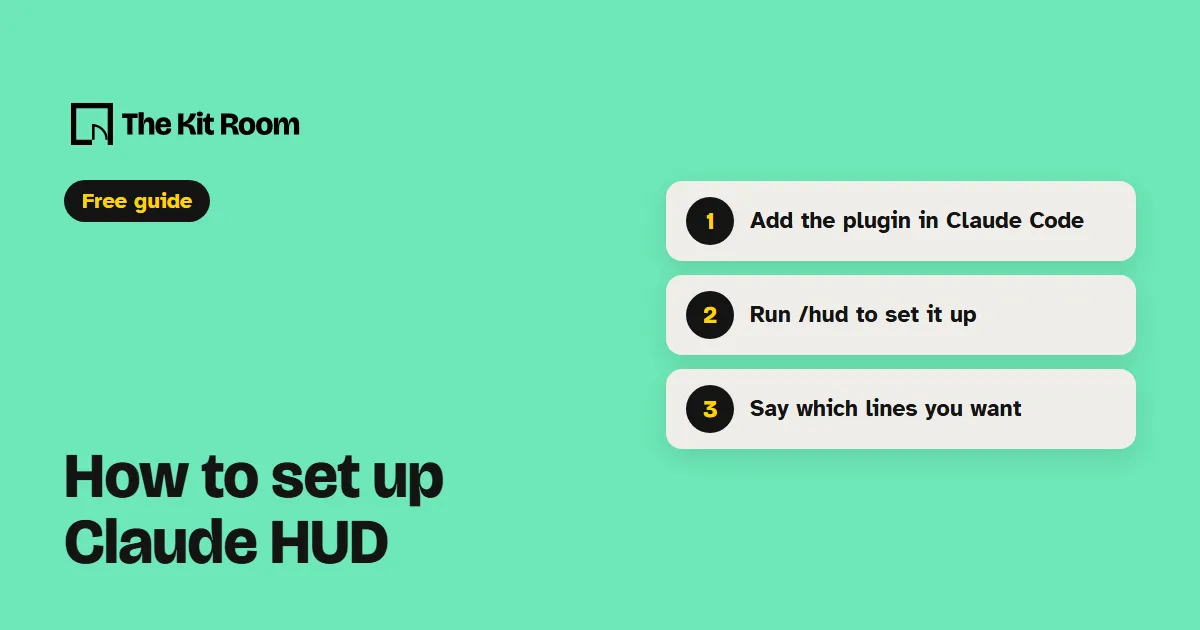
/plugin marketplace add jarrodwatts/claude-hud/plugin install claude-hud/reload-plugins/hudThe last one checks your setup and asks before it points your status line at the HUD. If your Node.js is too old, it finds a newer one on your computer or helps you install one.
Step 2: Ask it to show what you want
Type /hud and say what you want in plain words. Claude finds the setting, shows you a preview and saves it once you say yes.
/hud show tool activity and running agents/hud show my todo progress/hud use the compact layoutIf a change looks wrong, ask /hud to undo the last change.
What should you watch out for?
It works in Claude Code only. There is no version for Codex.
The usage bar shows only on a Claude subscription, and only after Claude's first reply in a session. If you sign in with an API key or run Claude through Bedrock or Vertex, you get the context bar without the usage limits.
It takes over your status line. If you already have your own, /hud asks before it replaces it. Claude Code doesn't update the plugin by itself unless you turn on auto-update: run /plugin, open Marketplaces, pick claude-hud and choose Enable auto-update.