Which file does your AI read?
Claude Code reads a file called CLAUDE.md at the start of every session. Codex reads AGENTS.md before it does any work. Both are plain text files you can open and edit in any editor.
Put the file at the top of your project folder. For rules you want in every project, each tool also reads a copy in your home folder: ~/.claude/CLAUDE.md for Claude Code and ~/.codex/AGENTS.md for Codex.
- You write your rules onceIn CLAUDE.md or AGENTS.md
- Your AI reads the fileBefore it starts work
- Every session starts with themSo you don't retype the same fix
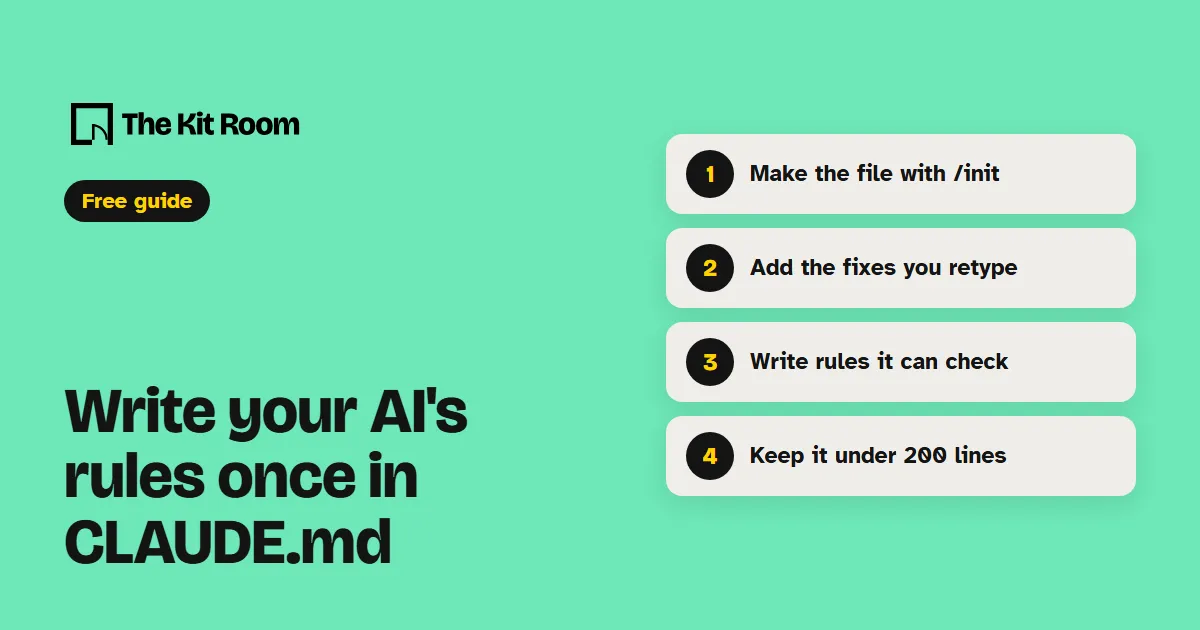
Step 1: Make the file with /init
Open your project in Claude Code and type:
/initClaude looks through your project and writes a first CLAUDE.md with the commands and habits it finds. If you already have one, it suggests changes instead of writing over it. In Codex, the same /init command writes a starting AGENTS.md.
That first draft only holds what your AI could work out from the files. The steps below are for adding what only you know.
Step 2: Add the fixes you keep retyping
Anthropic's advice is to treat the file as the place you write down what you'd otherwise explain again. Add a line when you type the same correction into the chat that you typed last session, or when your AI makes the same mistake a second time.
Keep it to facts your AI needs every session: the commands that start and test your site, where things live in your project, how you like things written, and the things it should always or never do.
Step 3: Write rules your AI can check
Your AI reads the file as context, not as settings it is forced to obey, so the wording matters. Anthropic's docs suggest rules concrete enough to check, like "Run npm test before committing" instead of "Test your changes," or "API handlers live in src/api/handlers/" instead of "Keep files organized."
Here is a starter file to paste into your project as CLAUDE.md or AGENTS.md. Swap each line for your own project's details:
# My shop website

## About this project
- Online shop for handmade candles. Customers are in the US.
- Product pages live in src/pages/products

## Commands
- Start the site with npm run dev
- Run npm test before you commit

## Writing
- Write in US English, in short sentences
- Show every price with its currency, like $24 USD

## Always
- Ask me before you add a new package
- Never change the files in src/pages/legalStep 4: Keep it under 200 lines
Anthropic suggests keeping each CLAUDE.md under 200 lines, because a longer file takes up more of the space Claude has for your conversation, and Claude follows it less closely. Group your rules under short headings with one rule per bullet, like the starter above.
Codex stops reading instruction files once they add up to 32 KiB by default, which is about 32,000 characters of text.
Step 5: Check that your AI read it
In Claude Code, type /context all and look for your file under Memory files. To open the file and edit it, type:
/memoryIn Codex, start a new session in your project and ask it to list your rules:
Summarize the current instructions.Codex reads the files fresh each time it starts, so after you edit them, start a new session to pick up the change.