What does your project need first?
All five are built for React sites styled with Tailwind CSS, and most of them lean on shadcn, the tool that copies components into your code. If your project has no components.json file yet, ask your AI to run this once in your project folder:
npx shadcn@latest initAfter that, each command below adds one component to your code, where your AI can edit it like any other file.
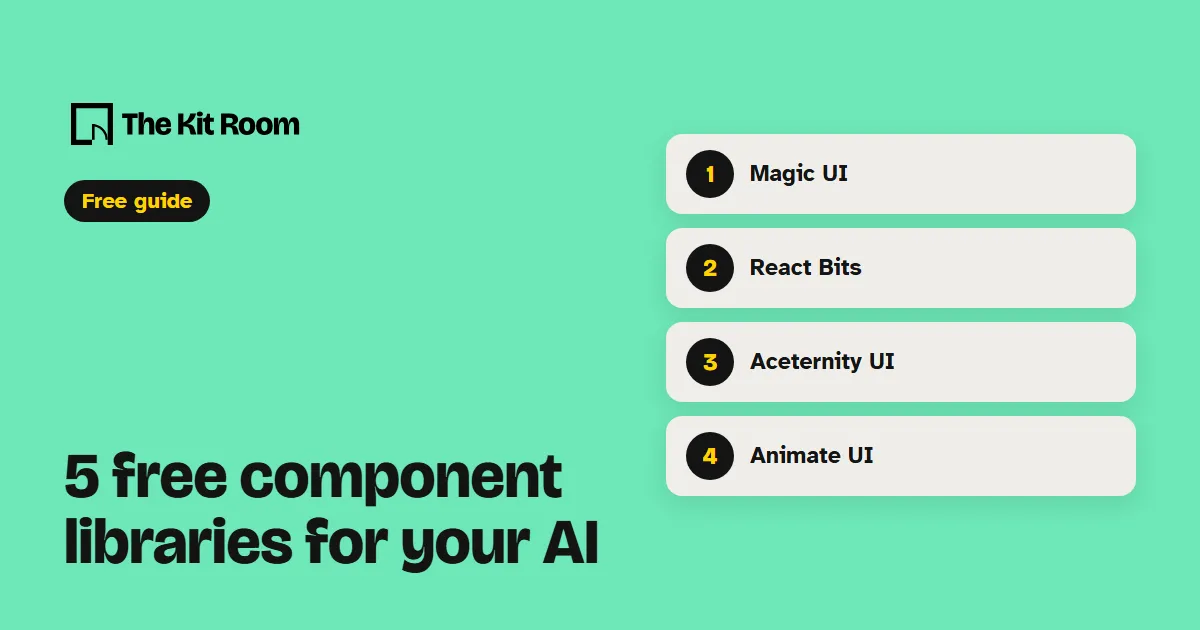
Step 1: Magic UI
Magic UI has more than 150 free, open-source animated components and effects, like a scrolling logo strip or a spinning globe. It's MIT licensed.
npx shadcn@latest add @magicui/marqueeAdd the Magic UI marquee under my homepage hero with my client logos scrolling slowly, and check it on a phone.Step 2: React Bits
React Bits is the one to open for animated text and backgrounds, with dozens of each in its free set. Its license is MIT with the Commons Clause, so you can use the components on your site but not sell them on.
npx shadcn@latest add @react-bits/SplitText-TS-TWUse the React Bits SplitText component to animate my homepage headline letter by letter, once, when the page loads.Step 3: Aceternity UI
Aceternity UI has more than 118 free animated components for React and Next.js, from 3D card effects to animated backgrounds.
npx shadcn@latest add @aceternity/background-beamsAdd the Aceternity background beams behind my hero section and keep the headline easy to read on top of them.Step 4: Animate UI
Animate UI adds motion to the shadcn components already on your site, like menus, tabs and dialogs. It comes as a skill, so your AI learns how to use it:
npx skills add imskyleen/animate-ui --agent claude-code -yUse the Animate UI skill to animate the menus and dialogs on my site, and keep the motion calm.Step 5: Motion Primitives
Motion Primitives gives you small motion pieces with their own installer, like a text effect that fades words in. It's MIT licensed.
npx motion-primitives@latest add text-effectUse the Motion Primitives text effect to fade in the first paragraph of my about page word by word.What should you watch out for?
These work on sites your AI builds in code with React and Tailwind. If your site lives in a drag-and-drop site builder, your AI can't add them there.
Pick one library per site. Each has its own style of motion, and mixing two makes the pages look like they came from different places.
Motion Primitives says it's still in beta, so its components can change between versions. Whichever you use, ask for one effect at a time and look at the page on your phone before you add the next.