What is Floorplan?
Floorplan is a free, open-source plugin for Claude Code and Codex that reads your codebase and draws an interactive map of it. Every part, file and web request gets a plain-English name, like "Takes card payments at checkout", and every connection between them is drawn.
It's made for people who build with AI and don't read the code. Your app works, but if someone asks what happens at checkout, or what breaks when you change one table, you can't say. The map shows you, and one switch turns on the developer view when you want the technical names.
It also runs a health check for mistakes common in AI-built apps, like keys left in the code or endpoints anyone can call without signing in, each with a fix you can paste.
- Scripts scan your codeFiles, imports, routes and requests
- Your AI names the partsClaude or Codex describes every file
- The map opensIn your browser, from a floorplan/ folder
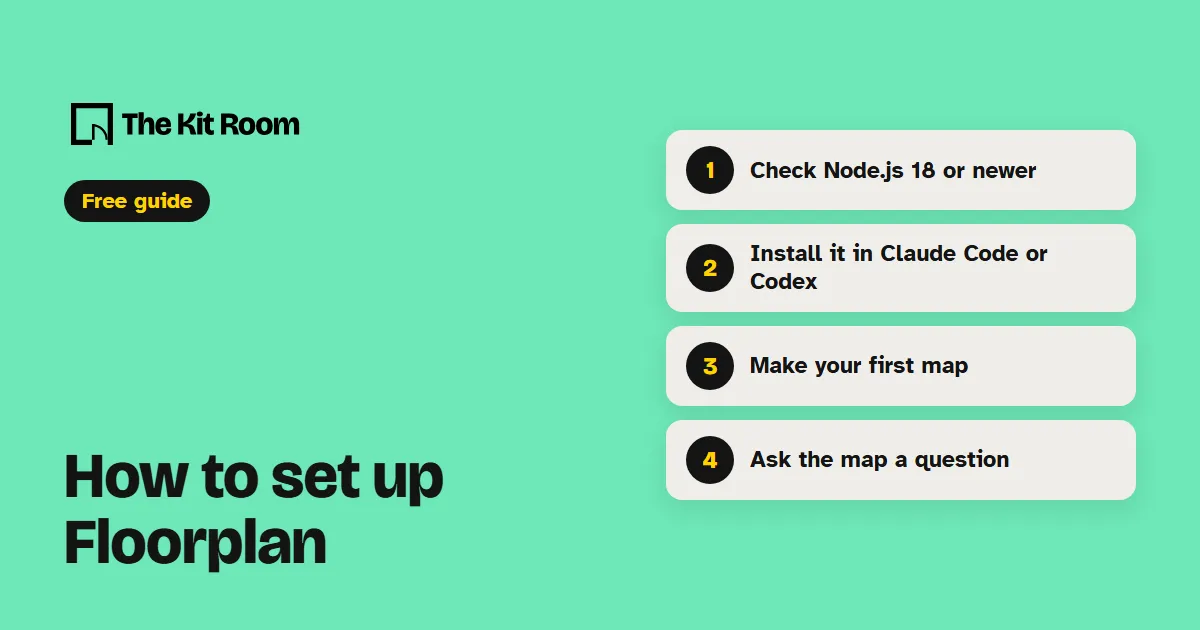
Step 1: Check you have Node.js 18 or newer
Floorplan needs Node.js 18 or newer. Check your version in a terminal:
node --versionIf you see an error or a number below 18, install the current version from nodejs.org. Floorplan runs on the Claude or ChatGPT plan you already have, so there's no API key to set up.
Step 2: Install it in Claude Code
In the Claude Code CLI, or the Code tab of the desktop app, add Floorplan's marketplace, then install the plugin:
claude plugin marketplace add haydenschmitty/floorplanclaude plugin install floorplan@floorplanStart a new session and it's ready.
Plugins installed from GitHub don't update on their own. To get the latest version, run claude plugin update floorplan@floorplan.
Step 3: Install it in Codex
Sign in to the Codex app with ChatGPT. You can install from the app with no terminal:
- Open PluginsChoose Add a marketplace
- Enter the sourcehaydenschmitty/floorplan, then Add marketplace
- Install FloorplanFind it in the list and click +
If you prefer a terminal, these two commands do the same:
codex plugin marketplace add haydenschmitty/floorplancodex plugin add floorplan@floorplanThen start a new chat. The map's Ask bar runs on your own Codex sign-in.
Step 4: Make your first map
Open your project in Claude Code or Codex. If your frontend and backend sit in separate repos, open the folder that holds both. Then ask:
Make me a floorplan of this app.In Codex you can also type $floorplan. A first map takes a few minutes for a small app and longer for a big one, because every file and endpoint gets described. It uses your plan like any other task, and the map opens in your browser with a short tour.
After more work on your app, ask for an update. Only what changed is read again, and the parts your AI just changed light up green under Recent work.
Update the floorplan.Step 5: Ask the map a question
Type into the Ask bar at the bottom of the map and press Enter. You get a short answer and a board with only the parts involved, how they connect, and a numbered walkthrough when the answer is a sequence. Three questions from the README to start with:
What happens when someone places an order?If I change the users table, what breaks?Which files handle login?To ask about one part, right-click its card and choose Ask about this. The label in the bar shows what's answering. Claude Code or Codex can read your source code. Claude, when you open the map in the Claude app, answers from the map alone.
What can't Floorplan do?
The health check catches common mistakes but won't replace a security review. The README calls it a check, not an audit.
Your code stays as it is. Floorplan writes only its own floorplan/ folder, plus a short section in CLAUDE.local.md if you say yes in Claude Code, and it keeps both out of git.
It reads some languages better than others. TypeScript, JavaScript, Python, Go, Rust, Java, Kotlin and Scala get full support, along with Vue, Svelte and Astro files. Others get lighter support.
A copy you export to share is one HTML file with the whole map, but no Ask bar.
Your AI still reads your files through your own account, the way Claude Code and Codex always do. The map and its small server run on your computer. To remove it, run claude plugin uninstall floorplan@floorplan, then delete the floorplan/ folder from your project.