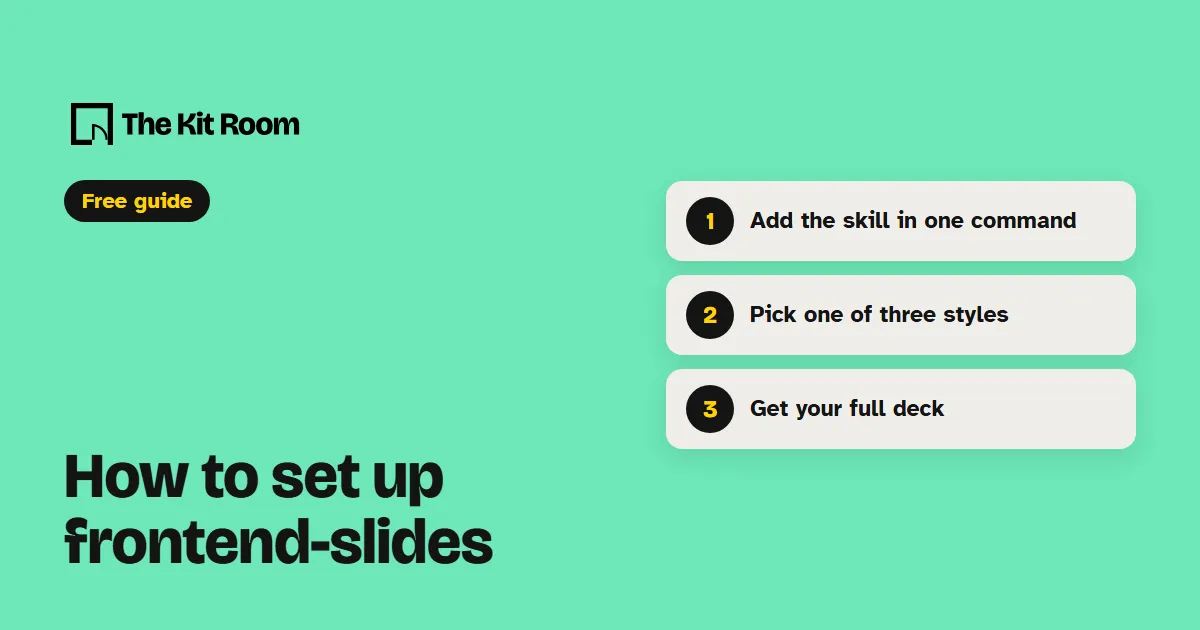
What is frontend-slides?
frontend-slides is a free, open-source skill for Claude Code and Codex. Each deck it makes is one HTML file with its own styles and animations, so there is nothing to install to show it.
Before it builds anything, it makes three title-slide previews in different styles and opens them for you. You pick one and it builds every slide in that look. It draws from 12 built-in styles and 34 bolder templates.
Step 1: Install it
You need Node.js on your computer. Inside your project folder, run:
npx skills add zarazhangrui/frontend-slides --agent claude-code -yThis adds the frontend-slides skill to .claude/skills in that project. In Claude Code you start it by typing /frontend-slides.
/plugin marketplace add https://github.com/zarazhangrui/frontend-slides/plugin install frontend-slides@frontend-slidesStep 2: Ask your AI to make your deck
Open your project in Claude Code or Codex and paste one of these, with your own details in it:
Use the frontend-slides skill to make a pitch deck from my notes in notes.md, with big type and one idea per slide.Use the frontend-slides skill to turn presentation.pptx into a web slideshow and keep all my images.Use the frontend-slides skill to export my deck to a PDF I can attach to an email.The deck opens in your browser. Move through it with the arrow keys or the space bar. Press E to edit any text on the slide, then Ctrl+S to save.
What should you watch out for?
Every slide keeps a 16:9 shape on every screen. On a phone held upright, the whole slide shrinks to fit, so the text gets small.
The PDF export takes a picture of each slide, so the animations don't come along. Turning a PowerPoint into slides needs Python and the python-pptx library on your computer.
The fonts load from the web, so open the deck with internet on. To share a link, the skill offers to put the deck on a free hosting account that you sign up for yourself.