What is Impeccable?
Impeccable is a free, open-source design skill for Claude Code and Codex. You name a change and a target, like making the pricing cards bolder, and your AI follows a playbook written for that one change.
Its critique command scores a page on how easy it is to use and ranks what to fix first. Its audit command checks accessibility, performance and how the page holds up on a phone, with each finding ranked from P0 (blocking) to P3 (polish). A separate checker runs 62 fixed rules for AI tells like purple gradients and cards inside cards, with no AI and no API key.
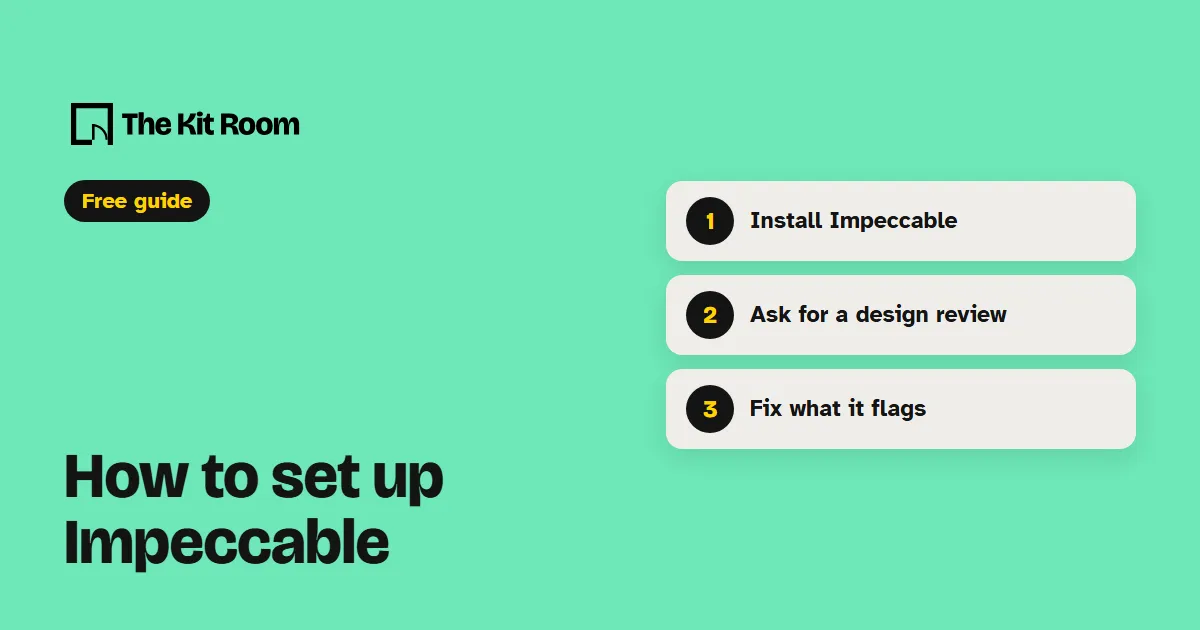
Step 1: Install it
You need Node.js on your computer. Inside your project folder, run:
npx impeccable installIt finds Claude Code or Codex on your computer, asks whether to install for this project or for all of them, and offers a design hook. Say yes to the hook, which checks every page file your AI edits before it says the work is done. Reload Claude Code, then type /impeccable init once so it learns who your site is for.
Step 2: Ask your AI to review and fix your design
Open your project in Claude Code or Codex and paste one of these, with your own pages in it:
Use Impeccable to critique the hero section of my homepage and fix the top three problems it finds.Use Impeccable to audit my pricing page, fix every P0 and P1 finding, and show me what changed.Use Impeccable's detector to scan my site's pages, including my running dev server, and fix each AI tell it flags.What should you watch out for?
It does its best work on one section at a time. Point it at the hero or the pricing cards rather than the whole site, and review one page before you move to the next.
The design hook runs after every edit without asking your AI for approval first. That's what makes it useful, so leave it on, and check what it added to your Claude Code settings before you let your AI work alone for long.
By default it sends anonymous data about which design styles you pick back to impeccable.style. Its README says how to turn that off.