What is mapcn?
mapcn is a free, open-source set of map components for React sites. Its skill shows your AI how to place pins with popups and draw routes between places.
The maps switch between light and dark along with your site. If you're not sure where a map belongs, your AI can read your project and suggest a few spots.
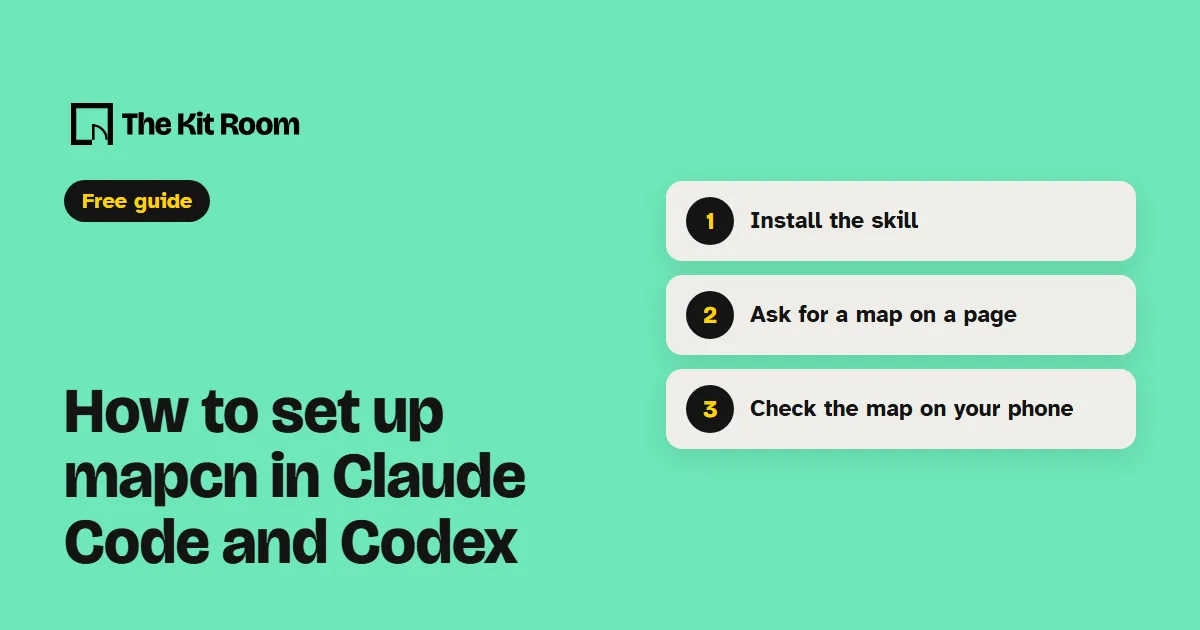
Step 1: Install it
You need Node.js on your computer. Inside your project folder, run:
npx skills add AnmolSaini16/mapcn --agent claude-code -yThis adds the mapcn skill to .claude/skills in that project. When you ask for your first map, your AI adds the map component to your site itself.
Step 2: Ask your AI to add a map to your site
Open your project in Claude Code or Codex and paste one of these, with your own details in it:
Use the mapcn skill to read my site and suggest the two or three places where a map would help my visitors most.Use the mapcn skill to add a map to my contact page with a pin on our address and a popup with our opening hours.Use the mapcn skill to build a page that shows all our locations on a map, with a list beside it that moves the map to each one when clicked.What should you watch out for?
It works on React sites your AI builds and edits in code, and it needs shadcn/ui and Tailwind. If your project doesn't have shadcn/ui yet, the skill offers to set it up first. If your site lives in a drag-and-drop site builder, your AI can't add these maps there.
The map itself comes from CARTO, which is free for business sites up to 1 million map tile requests a month, as long as the CARTO and OpenStreetMap credit stays visible on the map. If your site gets a lot of visitors, ask your AI to check CARTO's terms or switch to your own map provider before you launch.