What is planning-with-files?
planning-with-files is a free, open-source skill that has your AI write its plan into three files in your project. task_plan.md holds the phases and where the job stands, findings.md holds what it learned along the way, and progress.md logs each session and its test results.
A hook reads the current plan back to your AI at the start of every turn, so the goal stays in view deep into a long session. After a /clear, your AI reads the files and picks up at the phase it was on.
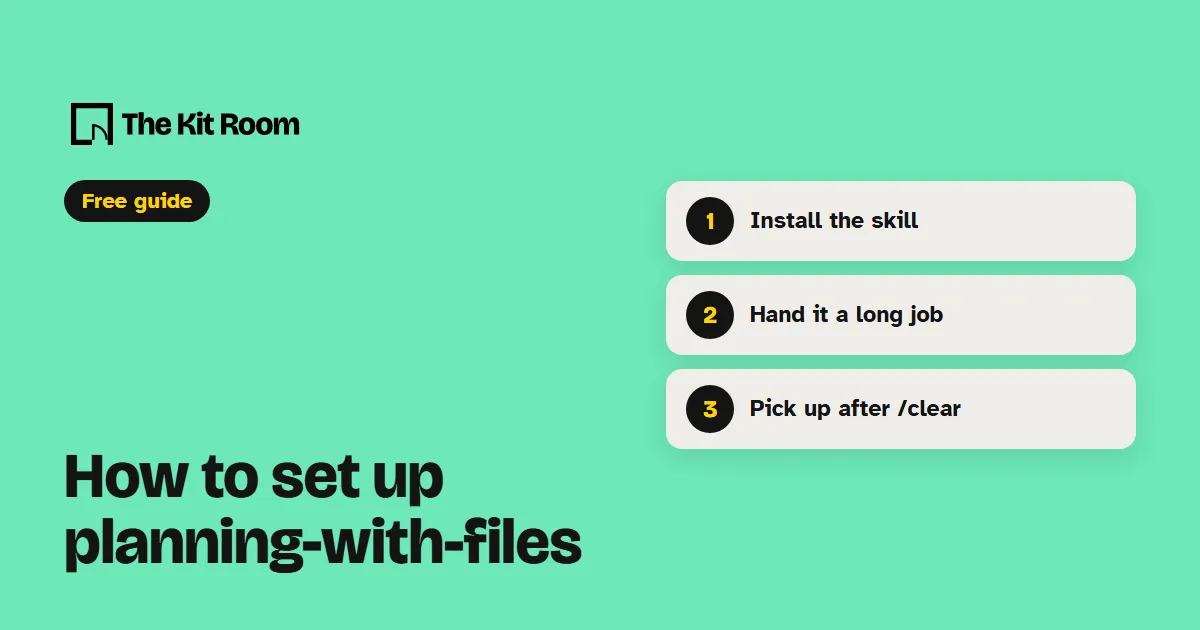
Step 1: Install it
You need Node.js on your computer. Inside your project folder, run:
npx skills add OthmanAdi/planning-with-files --skill planning-with-files --agent claude-code -yThis adds the skill to .claude/skills in that project. Its hooks switch on the first time your AI uses the skill in a session. Leave out --skill planning-with-files and you also get five language versions of it.
Step 2: Ask your AI to plan a long job
Open your project in Claude Code or Codex and paste one of these, with your own job in it:
Use the planning-with-files skill to plan this job in phases before you write any code, then build it one phase at a time: [your job].Turn the plan we just agreed in plan mode into task_plan.md as phases, then start phase 1.Read task_plan.md, findings.md and progress.md, tell me which phase we're on, and carry on from the next step.What should you watch out for?
It's made for jobs with several steps. For a quick question or a one-file edit, the plan files are extra work your AI doesn't need, and the skill itself says to skip them there.
The plan files are scratch notes. They're gitignored by default and nothing archives them, so the next job writes over the old plan. Anything worth keeping belongs in your code, a commit or a doc before you start the next job.
A skill installed inside a project only loads once you've accepted that project's trust prompt in Claude Code. If the hooks seem quiet, the plugin route adds a /plan-doctor command that checks them.