What is scroll-craft?
scroll-craft is a free, open-source skill that gives your AI a full process for scroll-driven landing pages. Before it builds anything, it asks you eight short questions about the feel you want, the order of your sections and the one moment visitors should remember.
It writes a plain HTML page on its own small scroll engine and refuses the patterns that make AI pages look alike, like identical card grids and gradient text. When the page is done, it opens it in a browser at every scroll position and flags faded text, weak contrast and scroll that changes nothing on screen.
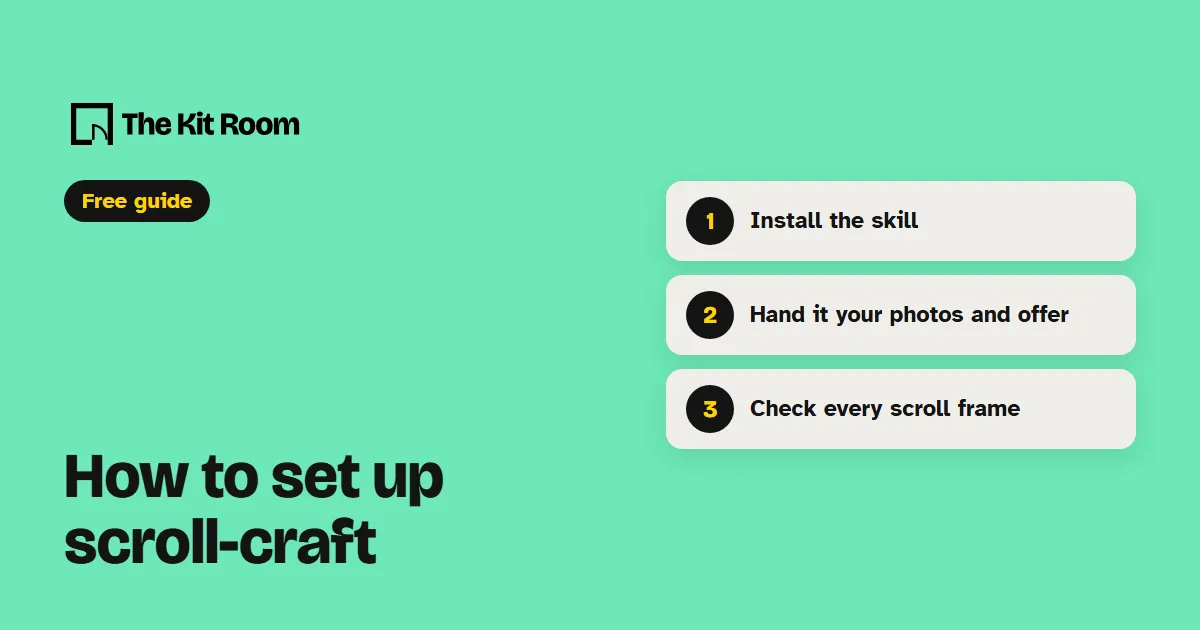
Step 1: Install it
You need Node.js on your computer. Inside your project folder, run:
npx skills add nateherkai/scroll-craft --agent claude-code -yThis adds the scroll-craft skill to .claude/skills in that project, with its engine, scripts and design notes in the same folder.
Step 2: Ask your AI to build a scroll-driven page
Open your project in Claude Code or Codex and paste one of these, with your own details in it:
Use the scroll-craft skill to run its setup check and tell me what's missing on my computer before we start.Use the scroll-craft skill to build a landing page for my coffee brand from the photos and clips in my assets folder. Don't generate any images.Use the scroll-craft skill to turn my homepage into a scroll-driven page. Follow the colors, fonts and rules in my brand folder.What should you watch out for?
It needs Node 18 or newer, a full build of ffmpeg for the video, and Chrome with playwright-core for its checks. Run the setup check first, because a missing piece shows up later as a confusing error.
It builds the page as its own HTML files in a scrollcraft folder in your project. If your site runs on a framework, plan time for your AI to move the page in. If it lives in a drag-and-drop site builder, your AI can't put it there.
Pages built from your own photos and footage cost nothing extra. If you want it to generate images or video, it uses a paid service with its own API key, and a page with several clips is a real spend. Its author has only built pages with it on Windows. The scripts look for ffmpeg and Chrome on a Mac too, but no build there has been tested.