What is UI UX Pro Max?
UI UX Pro Max is a free, open-source skill your AI reads before it builds or fixes a page. It holds a library of page styles, color palettes, font pairs and rules for pages that are easy to use, and your AI picks from it to match what your business does.
Your AI can use it on its own when you ask for a page or a design fix, and naming it in your request, like the ones below, makes sure it does. The search runs on your computer, with no account or sign-up.
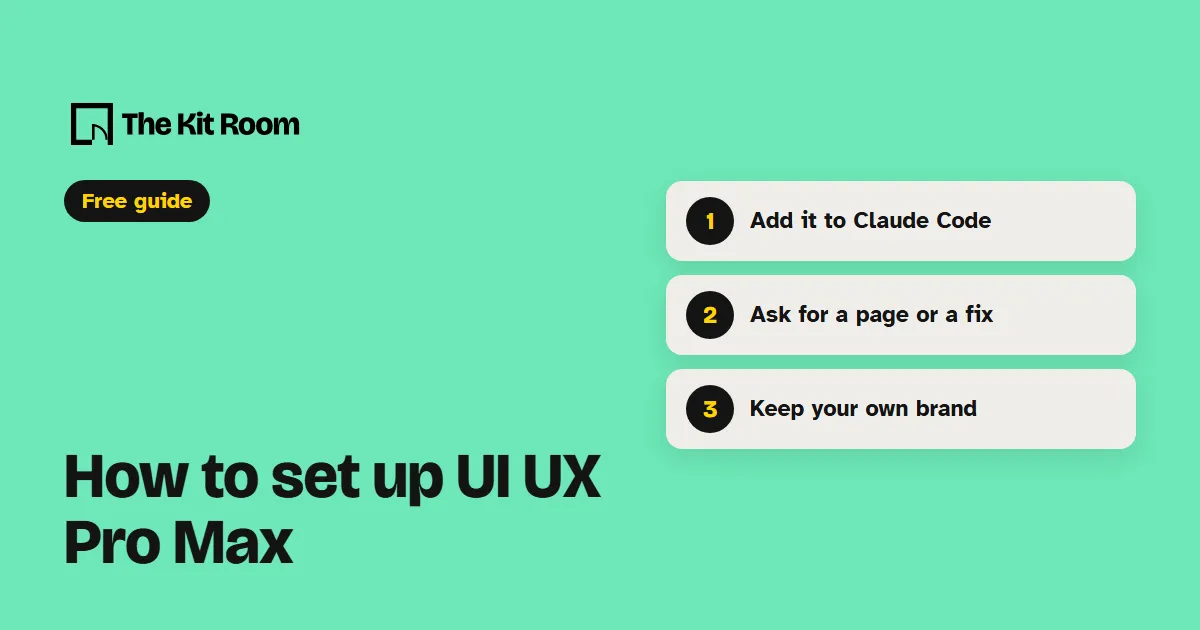
Step 1: Install it
You need Python 3 on your computer, because the skill uses it to search its library. In Claude Code, type these two commands:
/plugin marketplace add nextlevelbuilder/ui-ux-pro-max-skill/plugin install ui-ux-pro-max@ui-ux-pro-max-skillRestart Claude Code so it loads the new skills. You get the main design skill plus a few extras for things like slides and banners.
Step 2: Ask your AI for a page or a fix
Open your project in Claude Code or Codex and paste one of these, with your own business in it:
Use ui-ux-pro-max to suggest colors and fonts for my bakery's website, and show me before you build anything.Use ui-ux-pro-max to review my homepage on a phone-sized screen and list anything that's hard to tap or read.Use ui-ux-pro-max to build a booking page for my yoga studio that keeps the colors my site already uses.Ask it to save the design system, and it writes the rules to a design-system folder in your project, so later pages can follow the same rules.
What should you watch out for?
It suggests a look for your type of business and knows nothing about your brand. If you already have colors and a logo, say so in your request, or it may hand you a new palette.
The extra skills that make logos and icons call an outside image service and need your own key from it, which can cost money. Pages and design fixes work without one. The project's page also links to a paid version, and you don't need it for anything here.