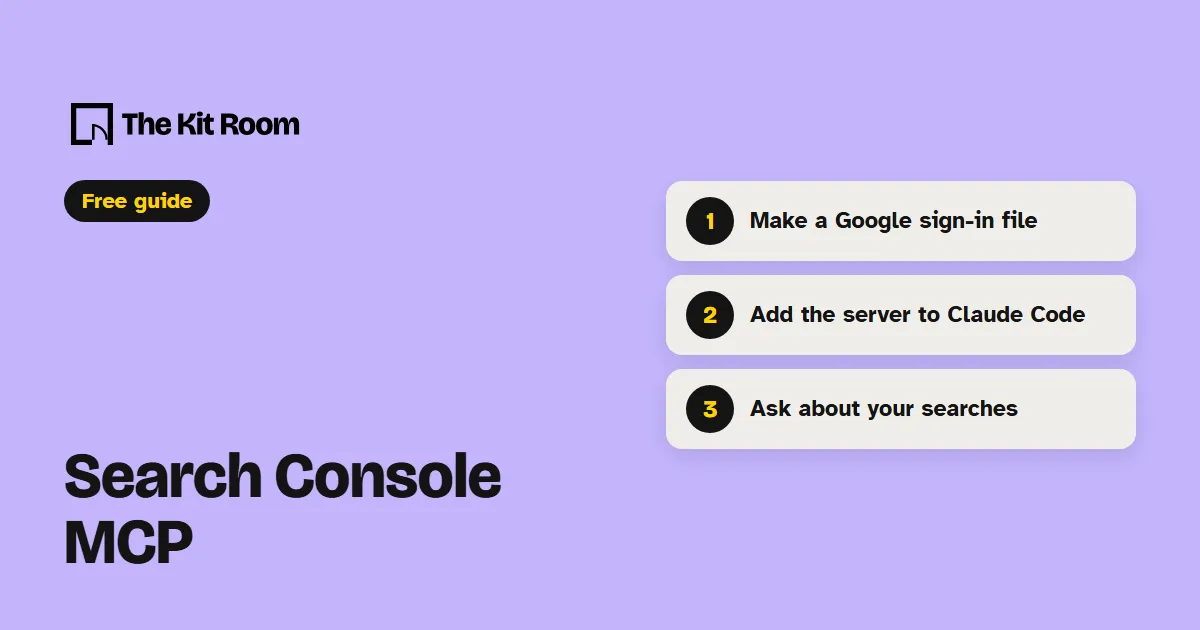
What is the Search Console MCP?
mcp-gsc is a free, open-source MCP server that connects Claude Code or Codex to your Google Search Console account. Your AI can then pull your top searches, clicks and positions, check if Google has indexed a page, and list your sitemaps.
New to MCP servers? Our MCP server guide explains how they work.
Step 1: Install it
First, make a Google sign-in file. The README's Google sign-in steps walk you through Google Cloud: turn on the Search Console API, create an OAuth client ID for a Desktop app, and download the JSON file. Save it somewhere permanent.
Next, install uv, the tool that runs the server. The README's command for Mac and Linux:
curl -LsSf https://astral.sh/uv/install.sh | shThen open your project in Claude Code and paste this, with the real path to your file:
Add an MCP server named gscServer that runs uvx mcp-search-console, with GSC_OAUTH_CLIENT_SECRETS_FILE set to /full/path/to/client_secrets.json. Use the full path to uvx.Restart Claude Code. The first time you use it, a browser window opens so you can sign in to Google. To check it, ask "List my GSC properties".
Step 2: Ask your AI about your search data
Paste one of these, with your own address:
Show me the top 20 search queries for mywebsite.com in the last 30 days and highlight any with a click rate below 2%.Check these pages for indexing issues: mywebsite.com/services, mywebsite.com/aboutCompare my site's search performance between last month and the month before. Which queries changed most?What should you watch out for?
Your AI sees everything in the Search Console account you sign in with, for every site in it. Google's sign-in asks for full Search Console access, and the server can submit sitemaps for you. It can't add sites, remove sites or delete sitemaps unless you set GSC_ALLOW_DESTRUCTIVE to true, so leave that off.
Keep your sign-in file private, and the token the server saves on your computer after you sign in. Save the file outside your project folder so it never ends up on GitHub, and never paste it into a chat.