What is a skill?
A skill is a folder with one file in it, called SKILL.md. The top of the file gives the skill a name and says when to use it. Below that come the steps, in plain English, the way you'd brief a new hire.
Your AI starts each session knowing only the name and description of each skill. It reads the full steps when the job comes up, so a long checklist doesn't crowd every chat. CLAUDE.md works differently, because Claude Code loads it in every session.
- You write SKILL.md onceA name, when to use it, and the steps
- Your AI sees the descriptionNot the steps, until it needs them
- The job comes upIt reads the steps and follows them
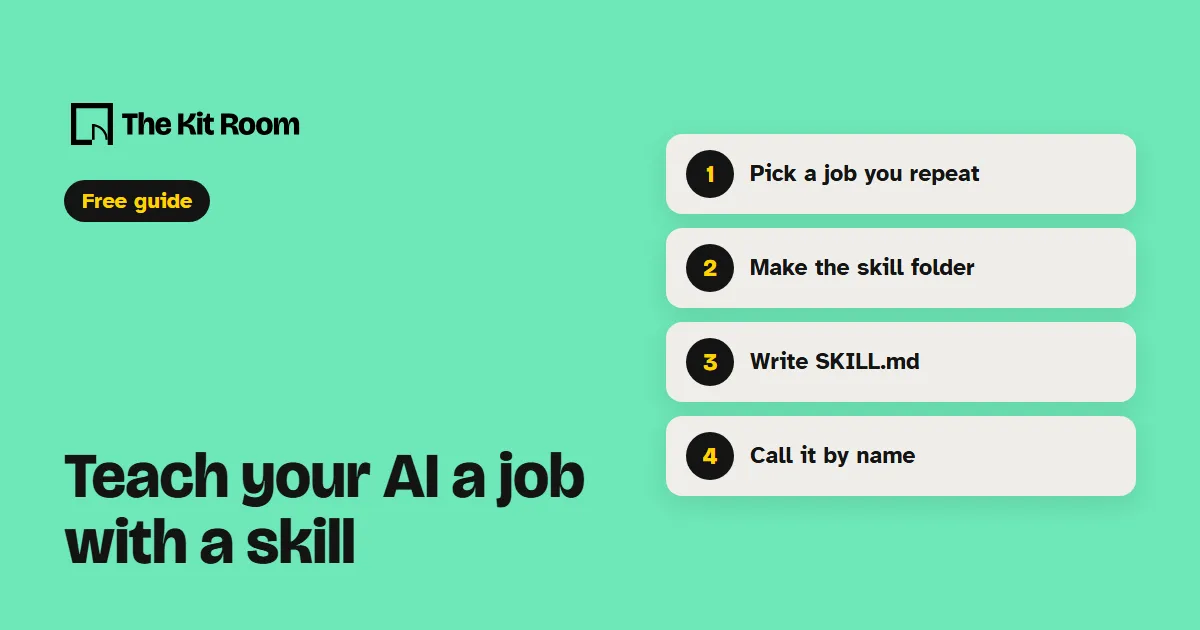
Step 1: Pick a job you keep repeating
Claude Code's docs say to make a skill when you "keep pasting the same instructions, checklist, or multi-step procedure into chat." Checking a draft before it goes out is a good first one, and so is turning your notes into the same weekly report.
Step 2: Where does the skill folder go?
Name the folder after the job, in lowercase with hyphens between words, like post-check. Where you put it decides where the skill works.
To use it in one project, put it inside your project folder. Claude Code reads .claude/skills/post-check/ and Codex reads .agents/skills/post-check/.
To use it in all your projects, put it in your home folder: ~/.claude/skills/ for Claude Code and ~/.agents/skills/ for Codex. The ~ stands for your home folder, like C:\Users\you on Windows. If you use both tools, give each one its own copy.
Step 3: Write the SKILL.md file
Inside the folder, make a plain text file named SKILL.md. Paste this and swap in your own steps:
---
name: post-check
description: Use when I share a draft post or email and ask you to check it.
---
Check my draft and list each fix you suggest:

1. Every claim has a source.
2. No sentence runs over 25 words.
3. It ends with one clear next step.The lines between the --- marks are the header. The name is what you type to call the skill, so keep it the same as the folder name. The description tells your AI when to use the skill, so say plainly when that job comes up. Codex requires both lines, and Claude Code uses them too.
Below the header, write the steps the way you'd type them into chat, numbered if the order matters. In Codex you can also type $skill-creator and answer its questions, and it writes the file for you.
Step 4: Call it by name, or just ask
In Claude Code, type a slash and the skill's name:
/post-checkIn Codex, type a dollar sign and the name, or run /skills to pick from a list:
$post-checkYou can also just ask, for example "Check this draft before I send it." Your AI compares your request with each description and can pick the skill without you naming it.
Claude Code picks up new and edited skills without a restart. If you created the skills folder itself during the session, type /reload-skills. If Codex doesn't show your skill, restart Codex.